Telegram Bot Deep Link: How to Pass a start Parameter (64 Characters, A-Z a-z 0-9 _ -)
How do you pass data to a Telegram bot with a start link?
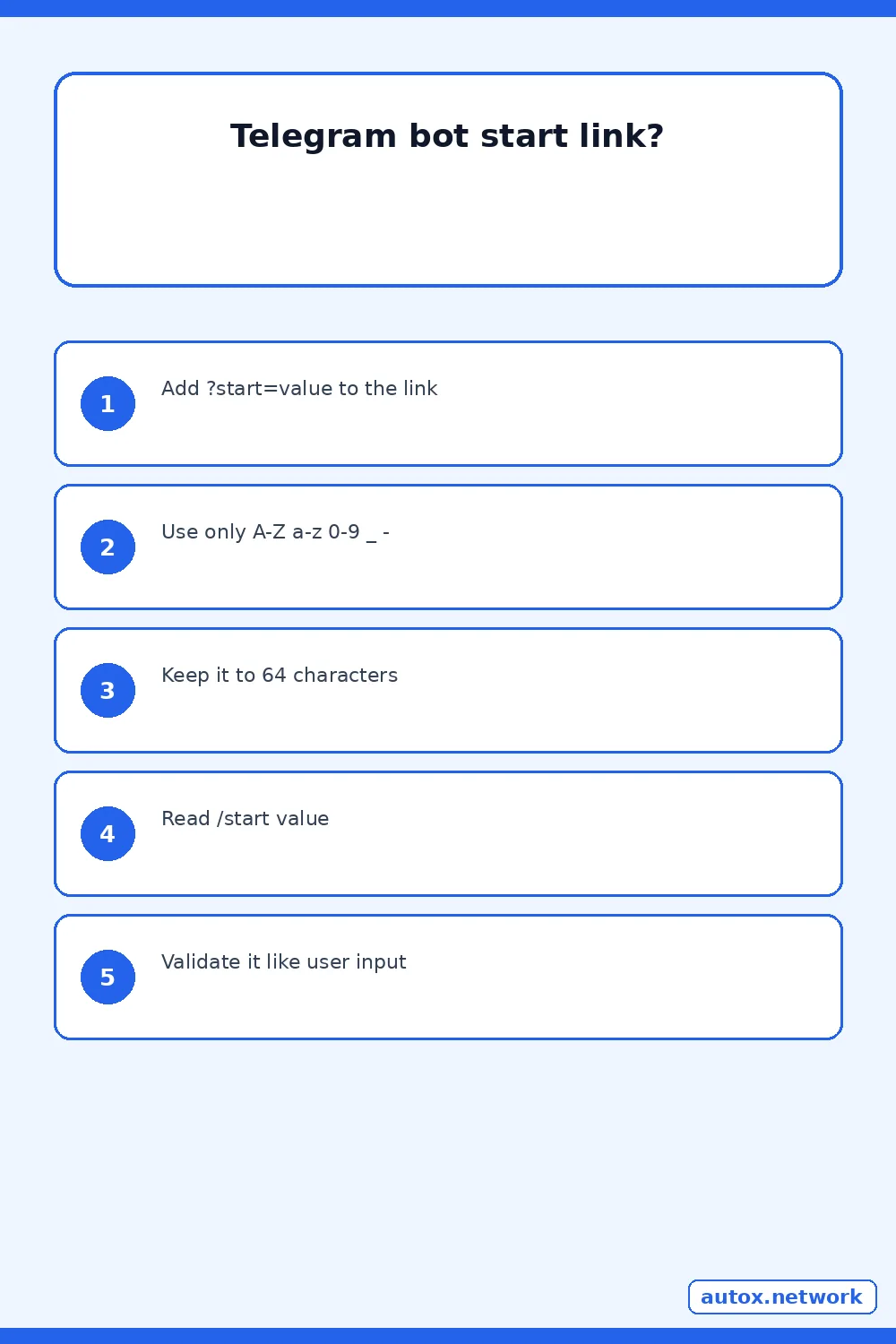
Add a start parameter to the bot's link, for example https://t.me/your_bot?start=airplane. When someone opens the chat through that link, your bot receives the message /start airplane. Telegram allows only the characters A-Z, a-z, 0-9, underscore and hyphen in the parameter, and it can be up to 64 characters long. Auto X is a Telegram bot that schedules and auto-publishes your text and media posts to X, so we read Telegram's bot documentation closely; everything below was checked on 2026-11-21 against Telegram's Bot Features page.
What does the deep link actually do?
A deep link lets a bot receive extra information on startup without any typing by the user. Telegram describes it as a way to pass additional parameters to the bot, such as a command that launches the bot or an authentication token that connects a Telegram account to an account on another platform.
| Link | Where it works | What your bot receives |
|---|---|---|
https://t.me/your_bot | Opens a conversation with the bot | A plain /start when the user presses Start |
https://t.me/your_bot?start=airplane | Private chats | /start airplane |
https://t.me/your_bot?startgroup=spaceship | Groups: the user is prompted to pick a group to add the bot to | /start@your_bot spaceship |
Telegram's docs also say each bot has a link of the form https://t.me/<bot_username>, and that users see a Start button the first time they open a chat with a bot. That is why the parameter arrives as a /start command and not as a free-text message.

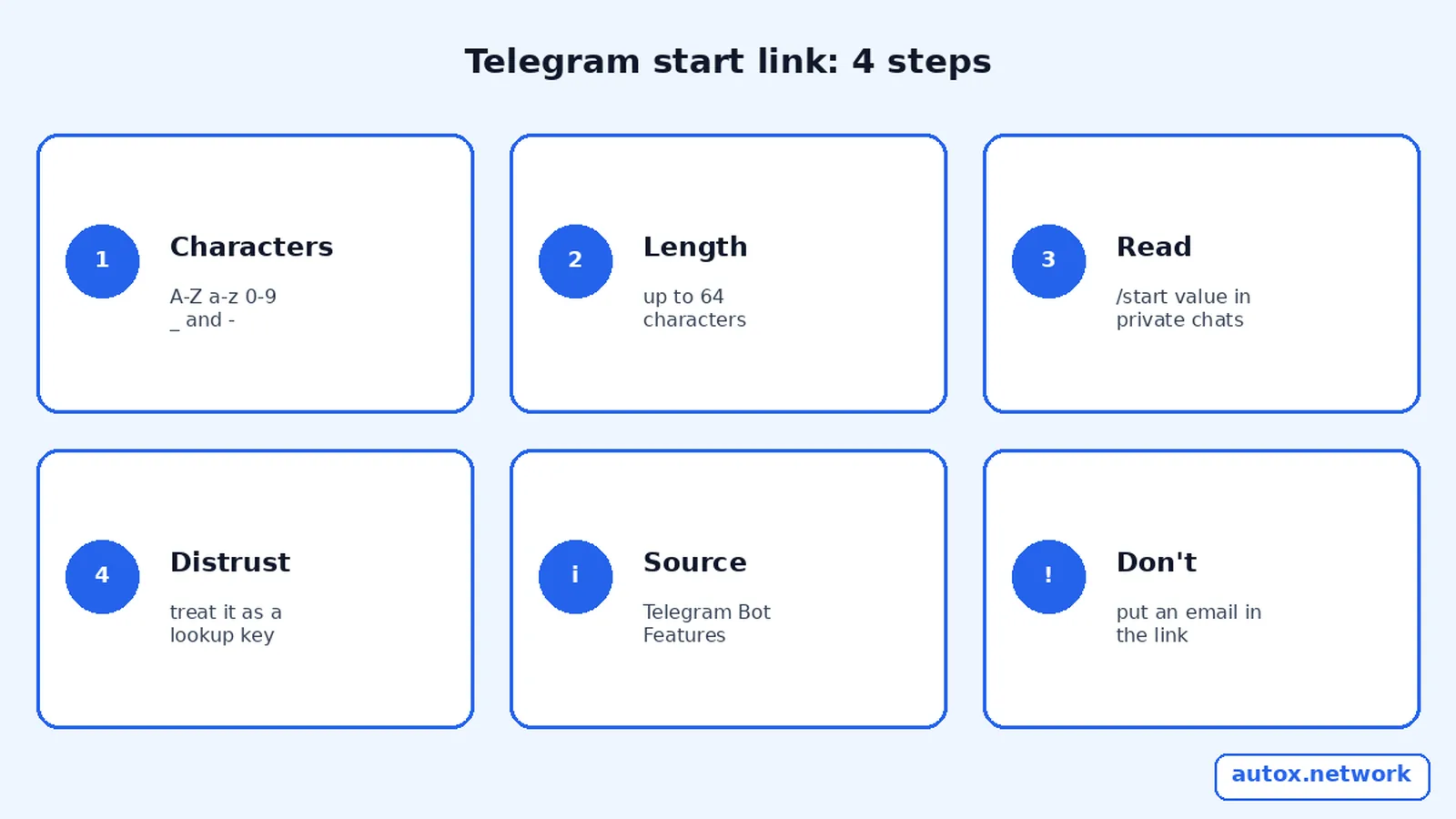
The 4-step Start Payload Check
This is the Start Payload Check: a short routine to make a start link that works every time and does not trust what it carries. Run it before you put a link in an email, a QR code or a web page.
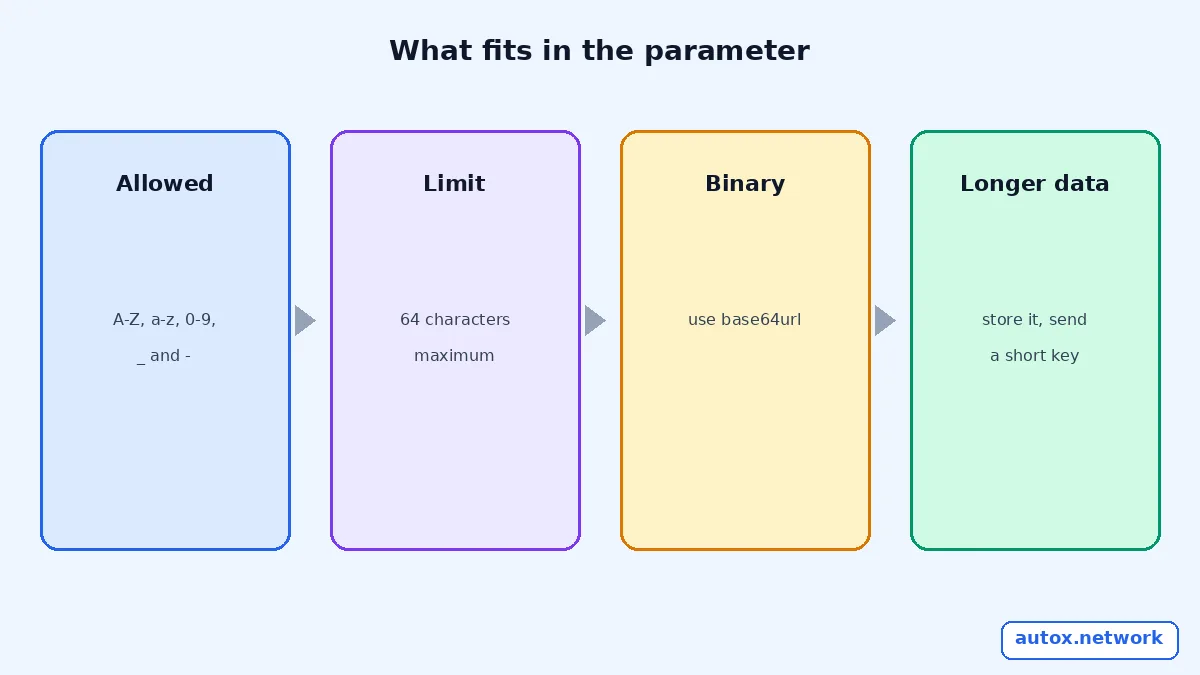
- Use only the allowed characters. Limit the payload to A-Z, a-z, 0-9, underscore and hyphen. A space, a dot, a slash or an accented letter is not in the documented set, so do not rely on it. Telegram recommends base64url when you need to encode binary or other content.
- Count to 64. The parameter can be up to 64 characters. If your data is longer, such as a full email address plus a plan name, do not squeeze it. Store the data on your server and put a short random key in the link instead.
- Read the command, not just the text. Your update contains the text
/start airplanein private chats and/start@your_bot spaceshipfor the group link. Split on the first space after the command and handle both shapes. If you use webhooks, our guide to checkinggetWebhookInfowhen a Telegram webhook is not working covers why an update may never arrive. - Treat the payload as untrusted input. Anyone can edit a link, so the value is a lookup key, not proof of who the user is. Validate it, make a key single-use if it grants anything, and give it an expiry on your server. Webhook secret tokens and update ID de-duplication cover the neighbouring checks on the update itself.
That is the whole method. Four checks, none of which needs a library.
What are start links good for?
Telegram's documentation gives two uses: launching the bot with a command, and carrying an authentication token that connects a user's Telegram account to their account on another platform. The same link format also works for groups with startgroup, and Mini Apps have their own deep linking guide. A start link is the right tool whenever the first thing a user does is open your bot from a web page, an email or a QR code and you want the bot to know why they came.
How to test a start link before you publish it
Open the exact link from a second Telegram account that has never talked to your bot, because the first-time Start button is the path real users take. Log the raw update your server receives, check that the text is /start plus your value, and try a value that is 64 characters and one that is 65 so you know how your code behaves at the edge. Then try a value with a disallowed character such as a space, and confirm your handler ignores it safely instead of crashing.
Commands are a separate limit
The start parameter is not the command. Telegram says commands must start with a slash and contain up to 32 characters, using Latin letters, numbers and underscores. A parameter can be 64 characters, while the command word /start is fixed. If your menu does not show a command at all, the cause is a different one; see why Telegram bot commands are not showing, and how scopes work. For a quick view of the commands a scheduling bot exposes, the Auto X commands cheat sheet lists them.
A worked example with a campaign key
Illustrative example. You want a landing page button to open your bot and remember which page it came from. You choose the payload spring_promo_1, which is 14 characters and uses only allowed characters, and publish https://t.me/your_bot?start=spring_promo_1. Your bot receives /start spring_promo_1, looks the key up in a small table you control and replies with the right welcome message. If you later wanted to carry an email address, you would not put it in the link: you would store it and send a short key instead.
If you are testing the idea with a scheduling bot, open the Auto X bot in Telegram and run /start; the Auto X homepage shows the full flow from connecting X to your first scheduled post. Auto X's own steps are /start, then /connect, then /schedule.
FAQ
How long can a Telegram start parameter be?
Up to 64 characters, using only A-Z, a-z, 0-9, underscore and hyphen. Telegram recommends base64url for anything that needs other characters or binary content.
Why does my bot get /start with no payload?
The user opened the chat without a link that carries a start parameter, for example by searching for the bot and pressing Start. Only the deep link with ?start= adds the value.
What is the difference between start and startgroup?
start works in private chats and sends the value as /start value. startgroup prompts the user to choose a group to add the bot to, and the resulting update has the form /start@your_bot value.
Can I put an email address or a long token in the parameter?
Not directly. The parameter is limited to 64 characters and a small character set. Store the longer value on your server and put a short key in the link.
Sources
- Telegram Bot Features: deep linking, commands and the Start button (checked 2026-11-21)
- Telegram Bot API reference (checked 2026-11-21)
- Auto X homepage: how it works and plans (checked 2026-11-21)