Telegram Bot Inline Button Not Responding? 5 Causes and the answerCallbackQuery Fix
Why does a Telegram bot's inline button keep loading or do nothing?
Most often because the bot never answered the callback query. Telegram's Bot API documentation says that after a user presses a callback button, Telegram clients display a progress bar until the bot calls answerCallbackQuery, and that the bot has to call it even when no notification is needed. A button that spins forever, or looks dead, is usually a missing answer, an update that never arrived, or a callback_data value the handler doesn't recognise. This guide lists the 5 causes in the order we check them, with the exact rule from Telegram's documentation for each, checked on 2026-11-18.
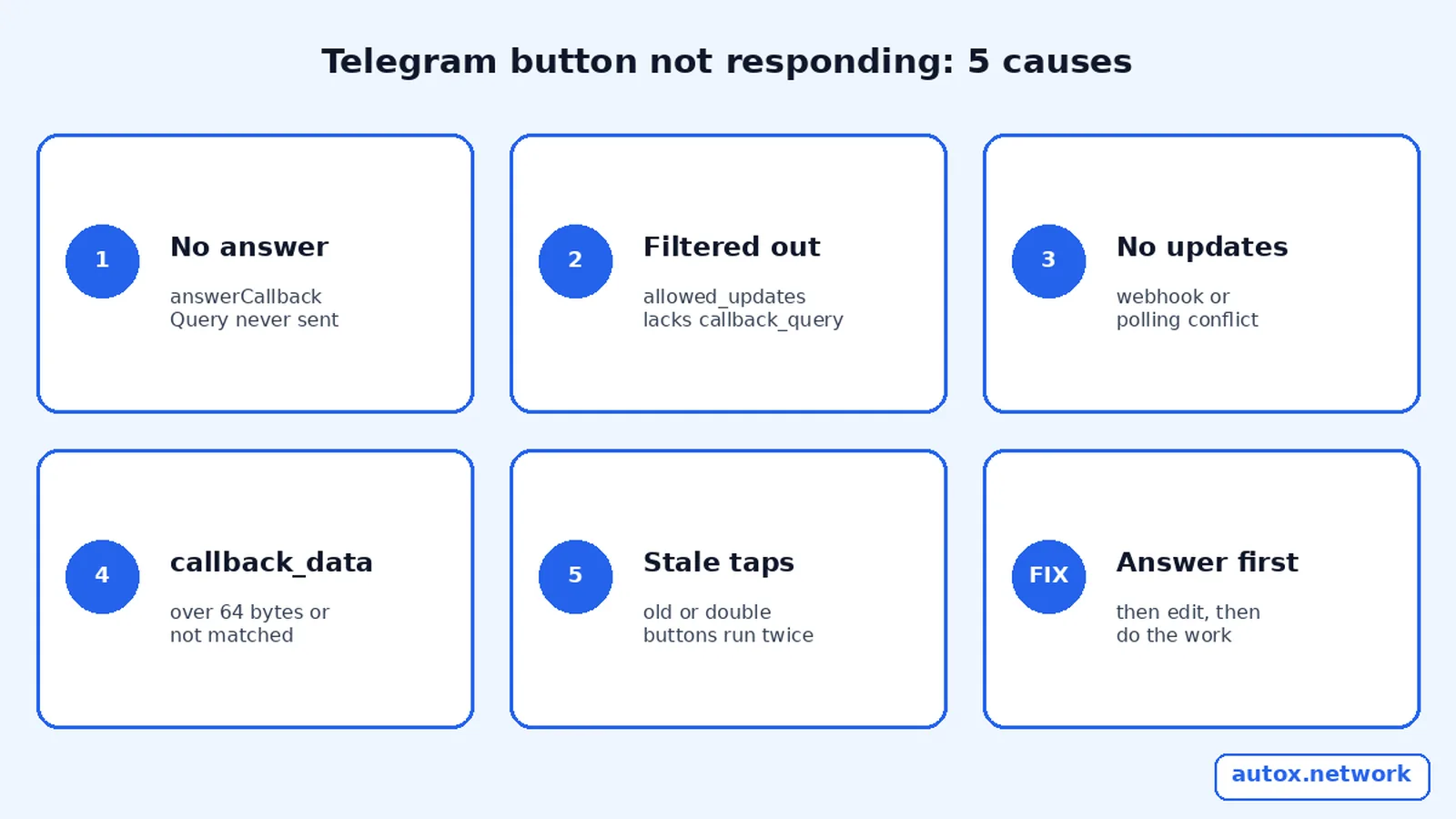
The 5 causes at a glance
Start at row 1: it is the most common and the quickest to fix.
| # | Cause | Symptom | Fix |
|---|---|---|---|
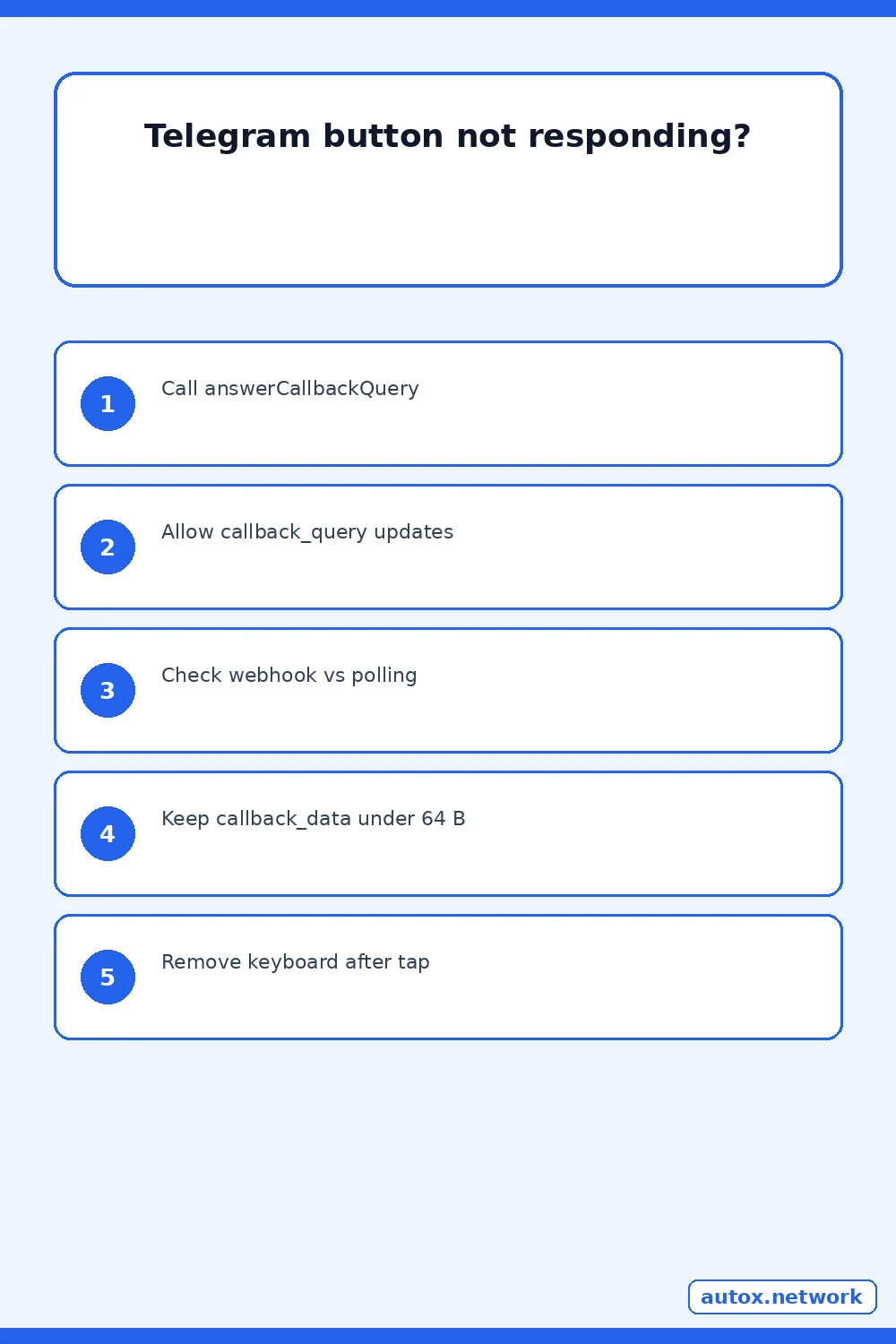
| 1 | answerCallbackQuery never called | Progress bar keeps showing after the tap | Answer every callback query, first |
| 2 | callback_query excluded by allowed_updates | Tap does nothing; messages still work | Add it to the list |
| 3 | No updates arrive at all | Commands fail too | Check webhook versus polling |
| 4 | callback_data too long or unmatched | Wrong action, or a failed send | Keep it to a short ID of 1–64 bytes |
| 5 | Stale or double-tapped buttons | Same action runs twice | Remove the keyboard after the tap |
1. Did the bot answer the callback query?
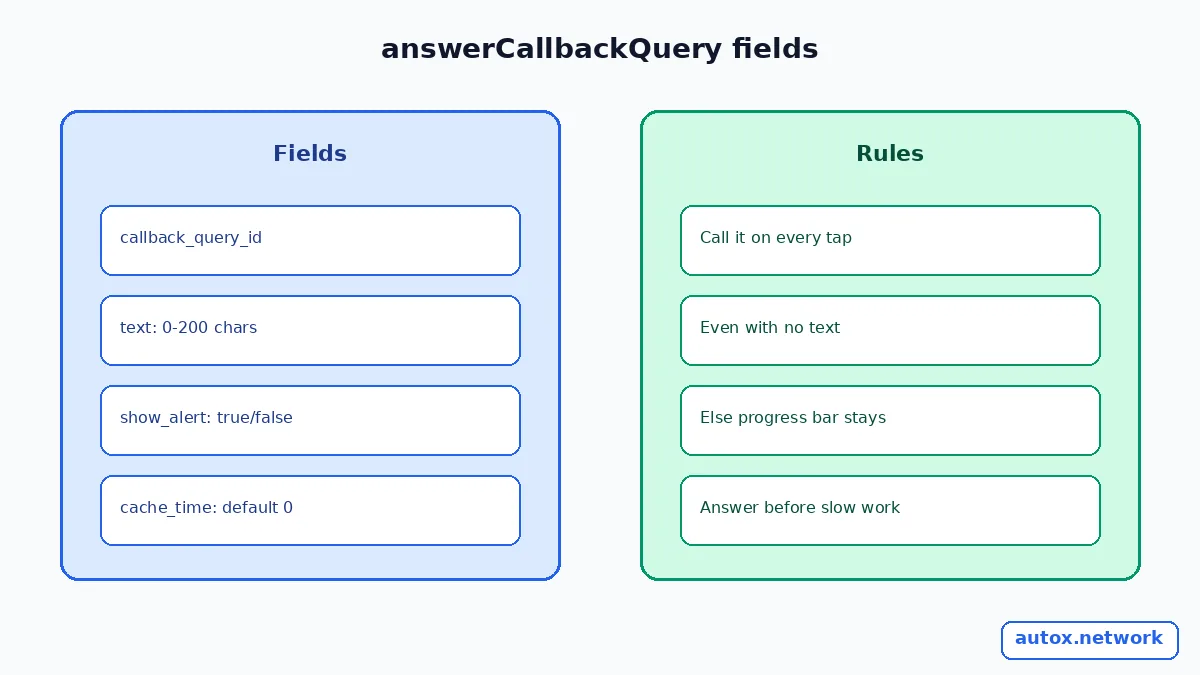
If the spinner never stops, almost certainly not. The documentation for the CallbackQuery object states that clients show a progress bar until answerCallbackQuery is called, so it is necessary to call it even without a notification. The method takes the query's id and four optional fields: text (0 to 200 characters, shown as a notification at the top of the chat), show_alert (an alert instead of a notification), url and cache_time (defaults to 0 seconds).
POST https://api.telegram.org/bot<TOKEN>/answerCallbackQuery
{"callback_query_id": "<id from the update>", "text": "Scheduled", "show_alert": false}
Answer first and do the slow work afterwards. If your handler calls a database, an AI model or another API before answering, the user stares at a spinner for the whole wait, and an exception in that work means the answer is never sent. A good order is: answer, edit the message, then do the job.
2. Is callback_query excluded from allowed_updates?
If taps do nothing while normal messages work, check this. Both getUpdates and setWebhook accept allowed_updates, a list of the update types the bot receives. Telegram's example is ["message", "edited_channel_post", "callback_query"], and the docs say that an empty list receives all types except chat_member, message_reaction and message_reaction_count. If you pass a list that leaves out callback_query, button taps are never delivered. If you omit the parameter, the previous setting is kept, so an old restricted list can survive a redeploy.
POST https://api.telegram.org/bot<TOKEN>/setWebhook
{"url": "https://example.com/telegram", "allowed_updates": ["message", "callback_query"]}
The docs also note that the parameter doesn't affect updates created before the call, so a few unwanted or missing types can appear for a short time after a change.
3. Are updates reaching the bot at all?
If commands also fail, the problem is delivery rather than buttons. Telegram's documentation says you can't receive updates through getUpdates for as long as an outgoing webhook is set, so a bot that polls in one process while a webhook is still registered gets nothing. Use getWebhookInfo to see the URL and last error, as our guide to Telegram webhooks that stop delivering updates shows, and read the 409 getUpdates conflict fix if two processes poll at once.
If a secret_token is set on the webhook, Telegram sends it in the X-Telegram-Bot-Api-Secret-Token header; a receiver that rejects requests whose header doesn't match will silently drop real updates after a secret change. Check the header comparison if updates stop right after you rotate the secret.
4. Is callback_data valid and matched?
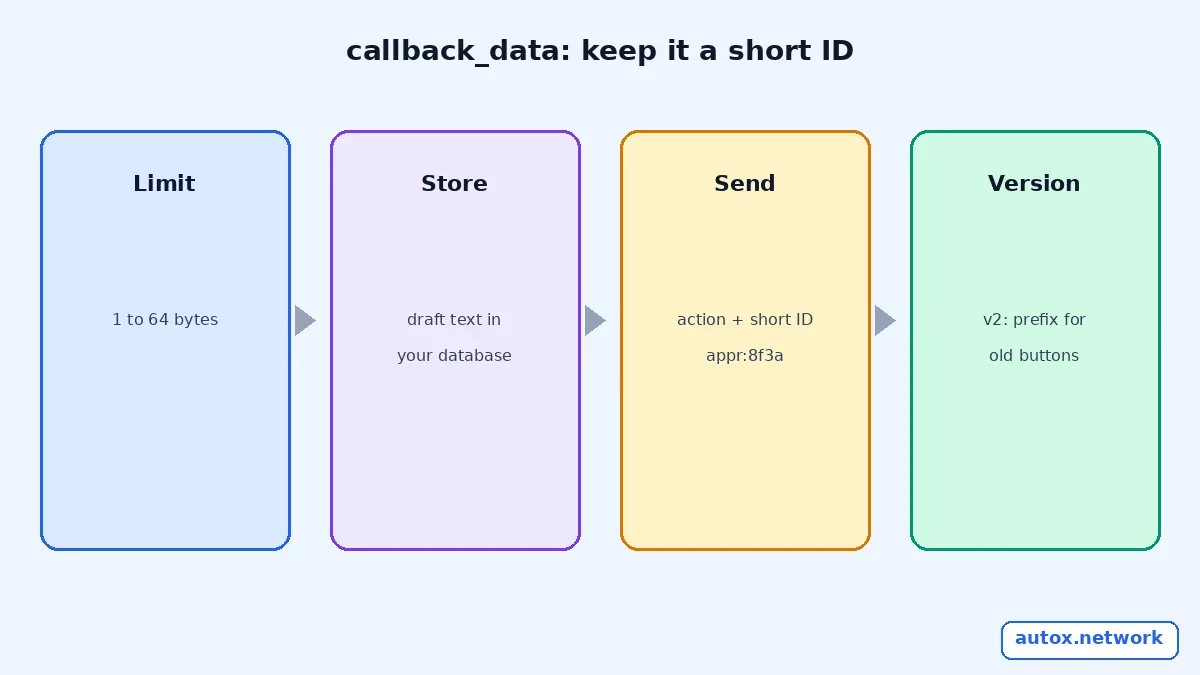
Telegram documents callback_data as 1 to 64 bytes sent back to the bot when the button is pressed. Bytes, not characters, so emoji and accented letters use up the budget faster. The reliable pattern is a short key such as appr:8f3a that your code looks up in a database, instead of packing a draft's text or a full URL into the button.
| Pattern | Example | Why |
|---|---|---|
| Action plus short ID | appr:8f3a | Tiny, easy to route and validate |
| Text packed into the button | approve:Our new post is live... | Breaks past 64 bytes and leaks content |
| Version prefix | v2:appr:8f3a | Lets a new release ignore or migrate old buttons |
When a button does the wrong thing, log the raw data field of each callback query and compare it to the router's patterns. Case, a renamed prefix after a deploy, or a missing separator are the usual culprits.
5. Are old or double-tapped buttons running twice?
They can, because an inline keyboard stays on the message until you change it. Telegram provides editMessageReplyMarkup to edit only a message's reply markup, so after a tap you can remove the keyboard or swap it for a "Done" state. Pair it with an idempotency key so a second tap, or an old message from last week, doesn't repeat the action; our guide to idempotency and client request IDs for Telegram-to-X posting explains the pattern.
Where do buttons matter in a Telegram-to-X workflow?
Anywhere a human approves before something goes public. Our guide to the AI-generated X post from your top posts shows one case: Auto X sends a draft with four buttons, Approve, Regenerate, Edit and Cancel, and nothing is posted until you approve. A button that silently fails in that flow is not harmless, because the user can't tell whether the draft was approved. That is why the answer, the keyboard edit and the confirmation message should all happen on every tap.
If you want to schedule posts to X from Telegram rather than build the bot yourself, the Auto X Telegram bot does that; it is our own product, and the Auto X homepage lists its plans. If the button handler then edits the message to the same content, see the message is not modified error and a no-op edit guard.
FAQ
Do I have to call answerCallbackQuery if I send a new message anyway?
Yes. Telegram's documentation says to call it even when no notification is needed, because the client's progress bar only stops when the query is answered. Sending a message doesn't answer it.
How long can the text in answerCallbackQuery be?
Up to 200 characters. If you leave it out, nothing is shown to the user. Set show_alert to true to show an alert instead of a notification at the top of the chat.
How many bytes can callback_data hold?
1 to 64 bytes, according to the InlineKeyboardButton documentation. Store anything longer on your side and put only a short ID in the button.
Do old buttons still work after the bot restarts or redeploys?
They still send their callback_data back, because it is stored with the button. Whether anything happens depends on your code recognising it, which is why a version prefix on the data helps you migrate or politely ignore old buttons.
Sources
- Telegram Bot API: CallbackQuery, answerCallbackQuery and InlineKeyboardButton (checked 2026-11-18)
- Telegram Bot API: setWebhook, getUpdates and allowed_updates (checked 2026-11-18)
- Telegram Bot API: editMessageReplyMarkup (checked 2026-11-18)
- Telegram: Bot features, inline keyboards (checked 2026-11-18)